> ## Documentation Index
> Fetch the complete documentation index at: https://statsig-4b2ff144-mintlify-java-core-statsig-options-migrati.mintlify.site/llms.txt
> Use this file to discover all available pages before exploring further.
# Working With the SDK
Warehouse Native Works with any of Statsig's SDKs for logging events and getting feature flags or experiment assignments.
This page is a brief overview of how Warehouse Native works with Statsig's SDKs.
Refer to the [client](../../client/introduction) or [server](../../server/introduction) SDK docs for help setting up SDKs.
## Data Forwarding
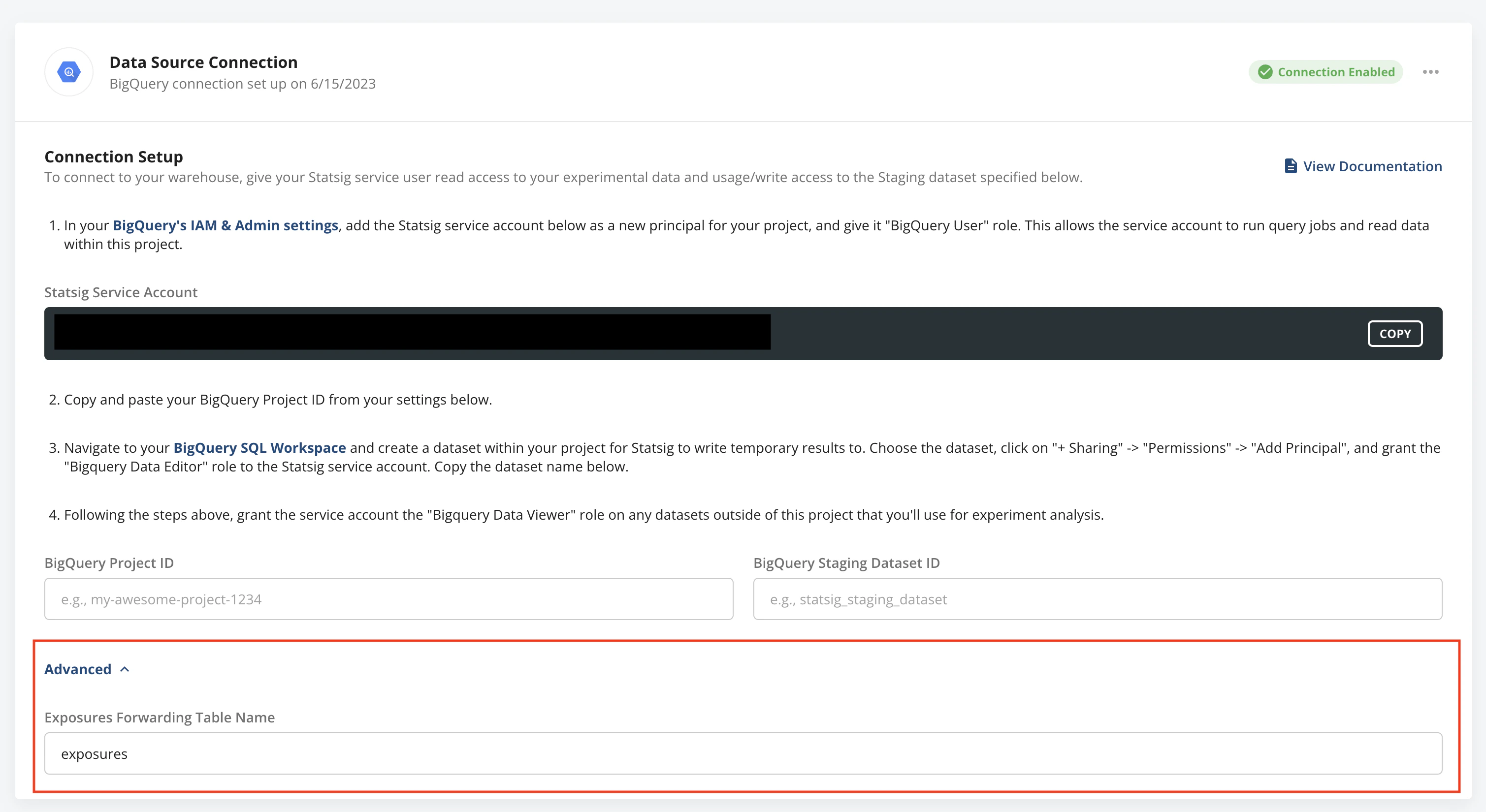
When you first set up your data connection, Statsig will create tables to forward datasets to, and generate an assignment/metric sources which includes any user-level metadata fields you log as part of your evaluation.
You can find the configuration for these datasets and the table we create/output data to in the advanced section of the warehouse connection page.
 ## Exposures
Statsig calculates deduplicated first-exposure rollups for you on a daily basis and exports that miniaturized dataset to your warehouse. Additionally, on every Pulse load on the first day of a experiment, deduplicated exposures for the day will be exported to your warehouse in near real-time, up to 1 million exposures.
## Log Events
You can also use Statsig's powerful event logging to send events to the Statsig SDK and have them later exported to your warehouse for analysis.
## Exposures
Statsig calculates deduplicated first-exposure rollups for you on a daily basis and exports that miniaturized dataset to your warehouse. Additionally, on every Pulse load on the first day of a experiment, deduplicated exposures for the day will be exported to your warehouse in near real-time, up to 1 million exposures.
## Log Events
You can also use Statsig's powerful event logging to send events to the Statsig SDK and have them later exported to your warehouse for analysis.